AS Notes
AS Notes brings markdown and wikilink editing for notes, documentation, blogs and wikis directly into VS Code and compatible editors (e.g. Antigravity, Cursor, Windsurf).
Capture ideas, link concepts, write, and stay focused - without ever leaving your editor.
This documentation was written and generated using AS Notes. See Publishing a Static Site for how you can use AS Notes for your docs, including deploying to GitHub Pages, Cloudflare and More.
Install: Visual Studio Marketplace / Open VSX GitHub: github.com/appsoftwareltd/as-notes
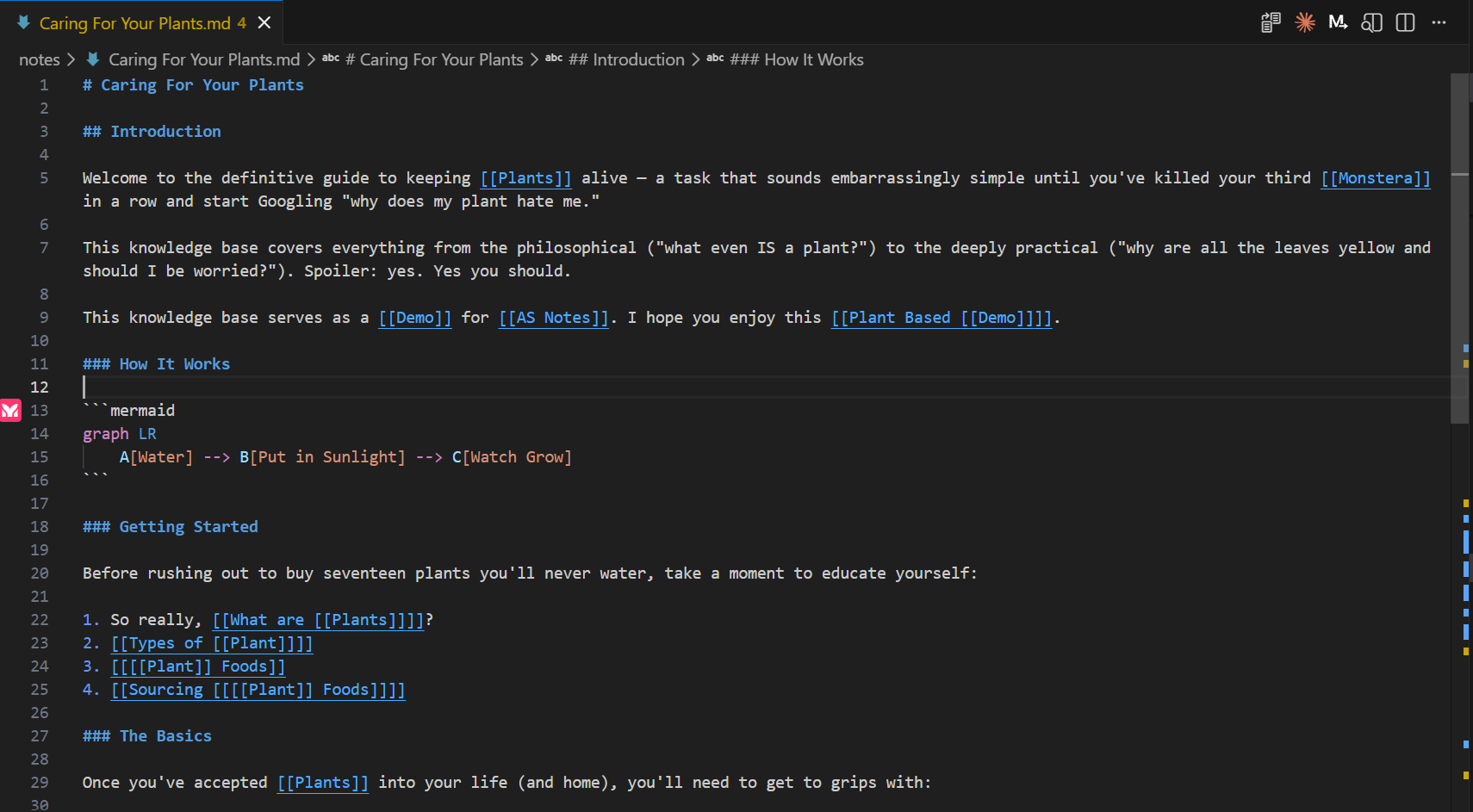
Getting Started
If you've already installed AS Notes and want to get started, see Getting Started.
Why VS Code?
Using VS Code as your notes app gives you a huge amount for free in addition the features that AS Notes provides:
- Cross-platform compatibility and web access (via VS Code Workspaces)
- Tabs, file explorer, themes, keyboard shortcuts
- A vast extension library
- AI chat (GitHub Copilot, Claude, etc.) to query and work with your notes
- Syntax highlighting for code embedded in your notes
Features at a Glance
Free
| Feature | Summary |
|---|---|
| Wikilinks | Link between notes with [[Page Name]] — resolves anywhere in your workspace |
| Backlinks | See every note that links to the current page |
| Daily Journal | Open today's journal with a single shortcut |
| Task Management | Toggle todos with a keyboard shortcut and browse them all in a panel |
| Slash Commands | Insert code blocks, dates, and task tags — type / to open the menu |
| Markdown Editing | Code block completion and other markdown editing tools |
| Images and Files | Drag and drop images, paste from clipboard, hover to preview |
| Publishing a Static Site | Convert your notes to a static website and deploy to GitHub Pages |
Pro
| Feature | Summary |
|---|---|
| Templates | Create reusable note templates with placeholders and insert them via the slash menu |
| Markdown Editing (Tables) | Insert and edit markdown tables directly from the slash menu |
| Encrypted Notes | Store sensitive notes in AES-256-GCM encrypted .enc.md files |
| Inline Markdown Editing Mermaid and LaTeX Rendering | Inline markdown editor styling and presentation including Lermaid diagrams and LaTex math |
Obtain a Pro licence key at asnotes.io/pricing.
Development Roadmap
See our Development Roadmap to see what's coming next.
Privacy
AS Notes is privacy-first. It never connects to external servers. All indexing, search, and backlink tracking runs entirely on your machine using an embedded SQLite database (.asnotes/index.db), and your notes never leave your device.
Licence
See Licence